

UHS HARDWARE
1999-2008 Toyota 3-Button Keyless Entry Remote FCC: GQ43VT14T
1999-2008 Toyota 3-Button Keyless Entry Remote FCC: GQ43VT14T
Couldn't load pickup availability
- OE: 89742-AA030
- FCC ID: GQ43VT14T
- Frequency: 315 MHz
- Battery: CR2032
- Buttons: Lock, Unlock, Panic
FITS:
- 2000-2006 Toyota Camry
- 2000-2003 Toyota Solara
- 1999-2003 Toyota Sienna
- 2003-2008 Toyota Corolla
- 2003-2008 Pontiac Vibe
- 2003-2008 Toyota Matrix
Programming Instructions:
1. Start with key out of the ignition, drivers door is open all others closed and
drivers door is unlocked.
2. Insert key into ignition (Do not turn) and pull it out.
3. Perform these steps within 40 seconds.
A. Using the power door lock switch on drivers door perform 5 lock/unlock cycles starting
with lock. Use an even pace and try to go about one cycle per second.
(1 cycle = 1 lock and 1 unlock.)
B. Close, then open drivers door.
4. Perform these steps within 40 seconds.
A. Using the power door lock switch on drivers door perform 5 lock/unlock cycles starting
with lock. Use an even pace and try to go about one cycle per second.
(1 cycle = 1 lock and 1 unlock.)
B. Insert the key in the ignition cylinder.
C. Turn the ignition to ON (Do NOT Start) then back to OFF.
D. Turn the ignition to ON (Do NOT Start) then back to OFF.
E. Remove the key from the ignition.
5. Within 3 seconds the power door locks should cycle automatically indicating successful entry
into programming mode. Return to step 1 if the locks do not cycle at this point.
6. Perform these steps within 40 seconds.
A. Press the lock and unlock buttons on the remote simultaneously for 1 second.
B. Immediately after letting go of the lock and unlock buttons,
Press the lock button by itself and hold for 2 seconds. Within 3 seconds the door locks
should cycle once indicating successful programming. If the door locks don't cycle or
cycle twice, repeat steps A and B, your remote has not been accepted.
C. Repeat steps A and B in step 6 for each new transmitter.
7. Close drivers door.
Materials
Materials
Shipping & Returns
Shipping & Returns
Dimensions
Dimensions
Care Instructions
Care Instructions
Share

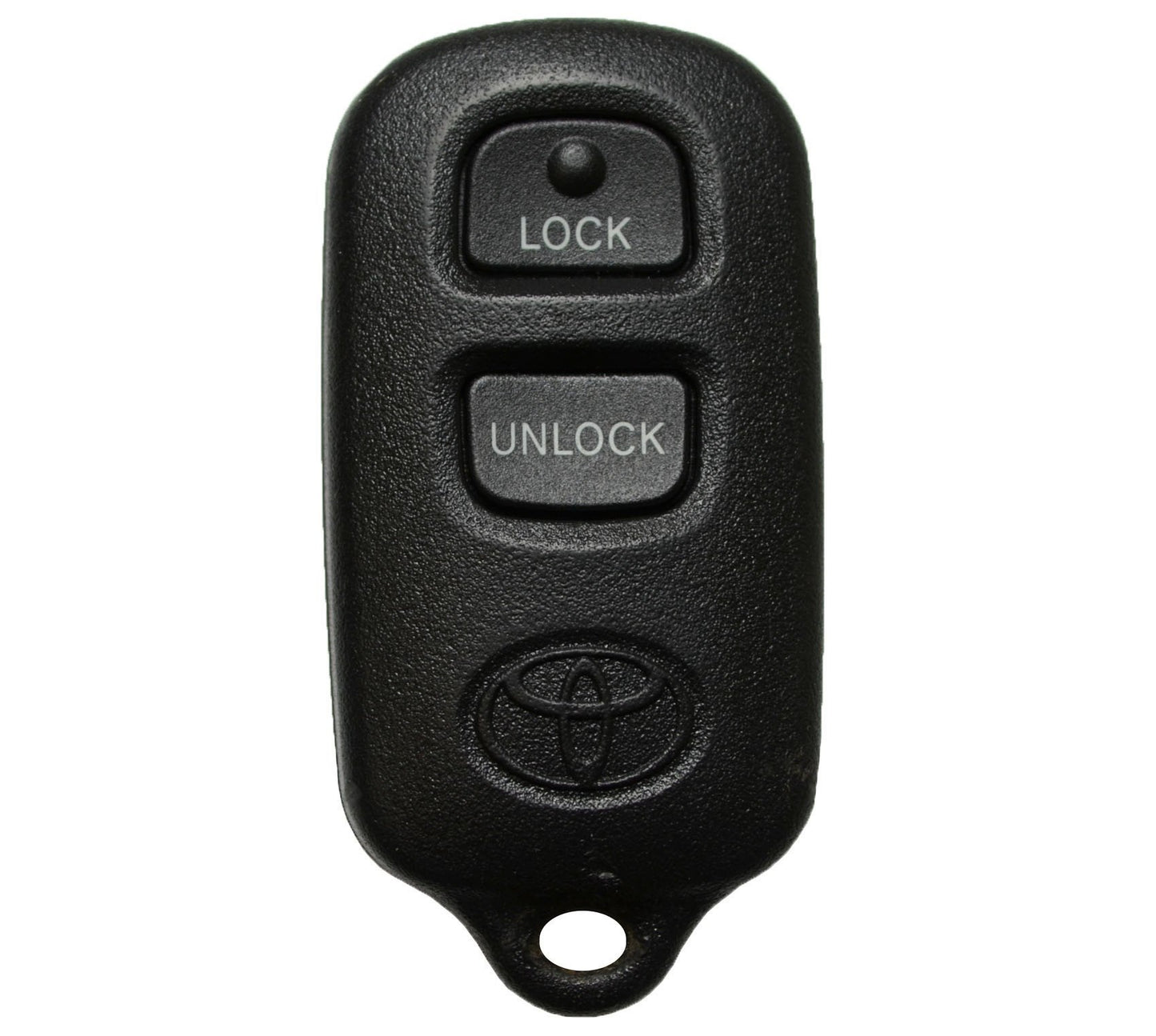
Image with text
Pair text with an image to focus on your chosen product, collection, or blog post. Add details on availability, style, or even provide a review.
-
Free Shipping
Pair text with an image to focus on your chosen product, collection, or blog post. Add details on availability, style, or even provide a review.
-
Hassle-Free Exchanges
Pair text with an image to focus on your chosen product, collection, or blog post. Add details on availability, style, or even provide a review.